Remote Desktop
View and control your Mac's screen from your iPad. Full trackpad, hardware-keyboard, Apple Pencil, and MFi game-controller input. Wakes your Mac automatically if it's sleeping or at the login screen.
iPad app · For developers and power users
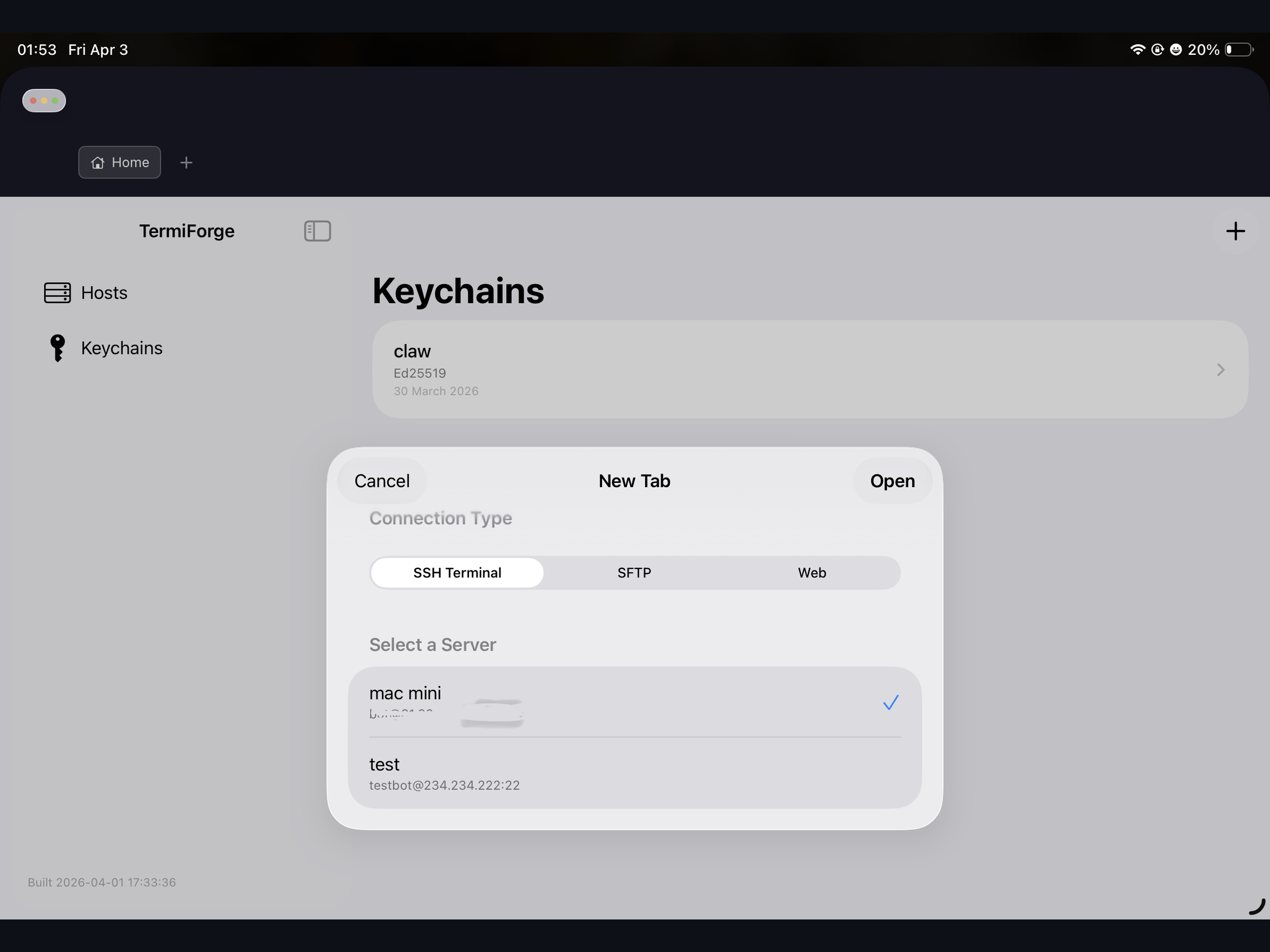
TermiForge is an iPad app for remotely using your Mac and your servers. It replaces four separate tools: a Remote Desktop client for controlling your Mac's screen, an SSH Terminal for running commands, an SFTP File Manager for editing remote files, and a private Web browser for pages that only your Mac or your network can see.
Free on the App Store. The Mac Agent (see below) is what enables Remote Desktop on your Mac.
What's inside
Stop switching between a Remote Desktop app, an SSH app, an SFTP app, and a browser. TermiForge does all four, sharing a single authenticated SSH session per host.
View and control your Mac's screen from your iPad. Full trackpad, hardware-keyboard, Apple Pencil, and MFi game-controller input. Wakes your Mac automatically if it's sleeping or at the login screen.
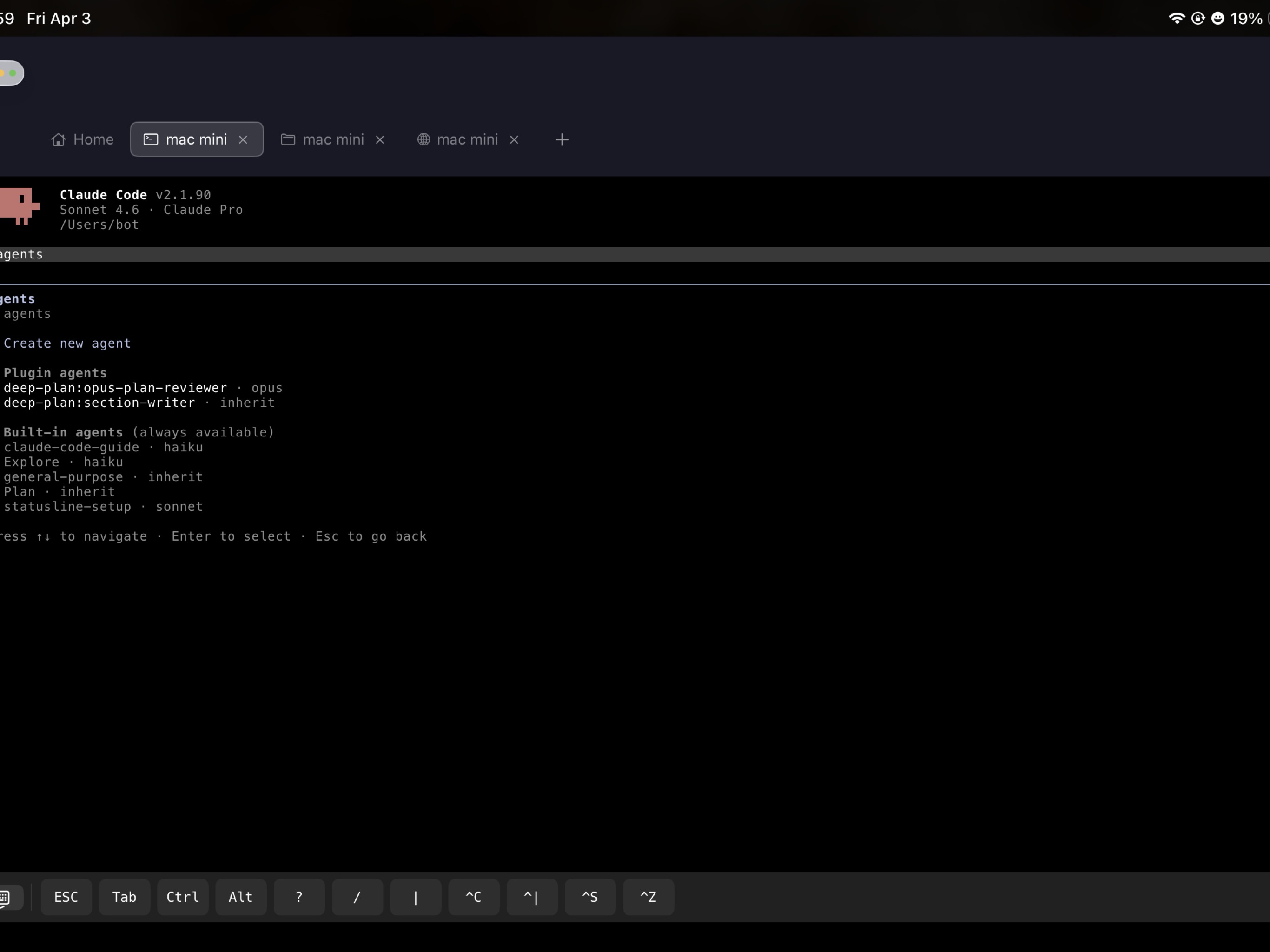
A real xterm-256color shell for running commands on any SSH server. Tab completion, ANSI colors, scrollback, full hardware-keyboard shortcuts. Sessions stay alive when you switch apps.
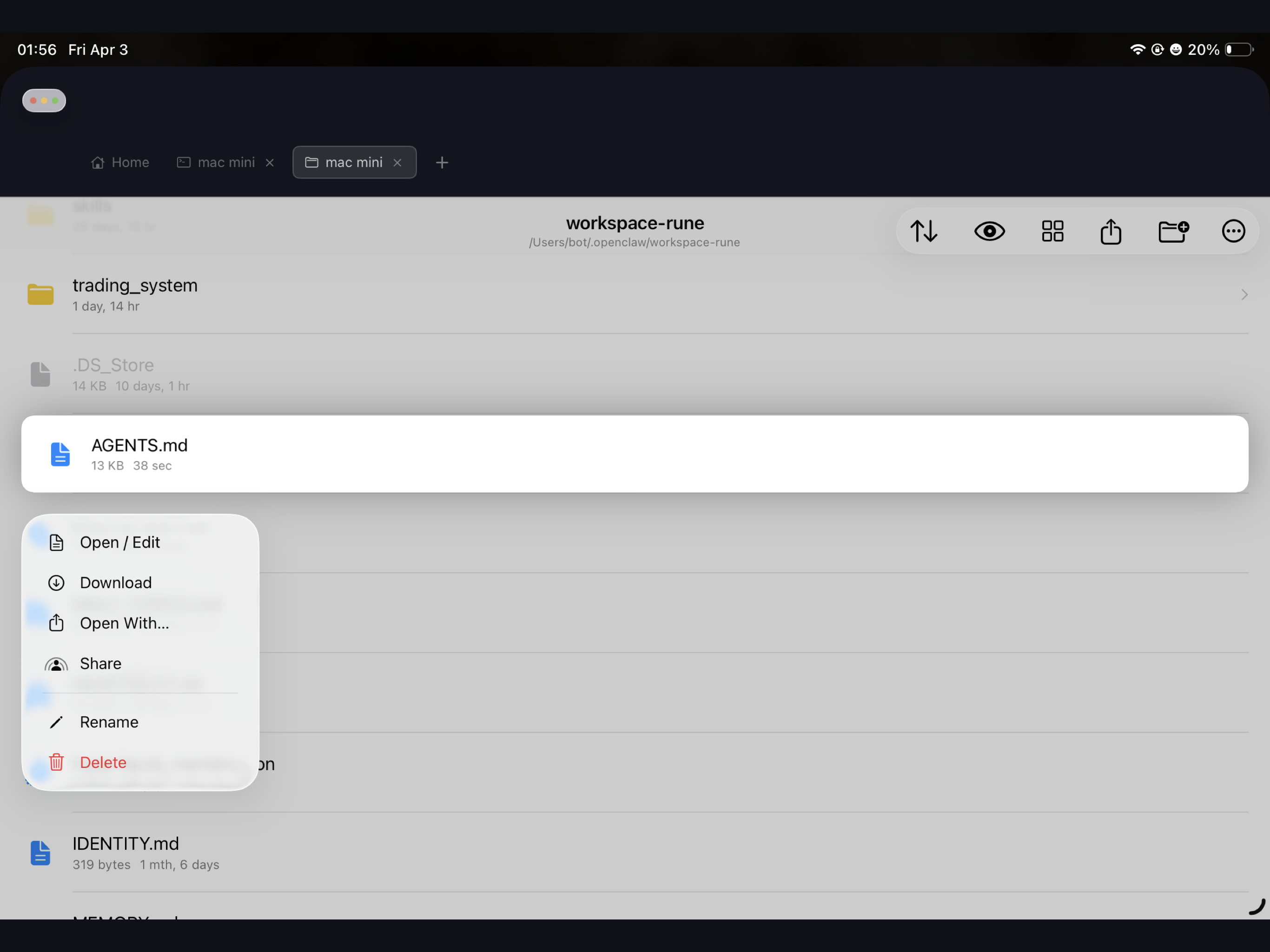
Browse, upload, rename, and edit files on any SSH server. Tap "Open With…" on any file to hand it to Textastic, Runestone, or any iPad editor — your edits flow back to the server automatically.
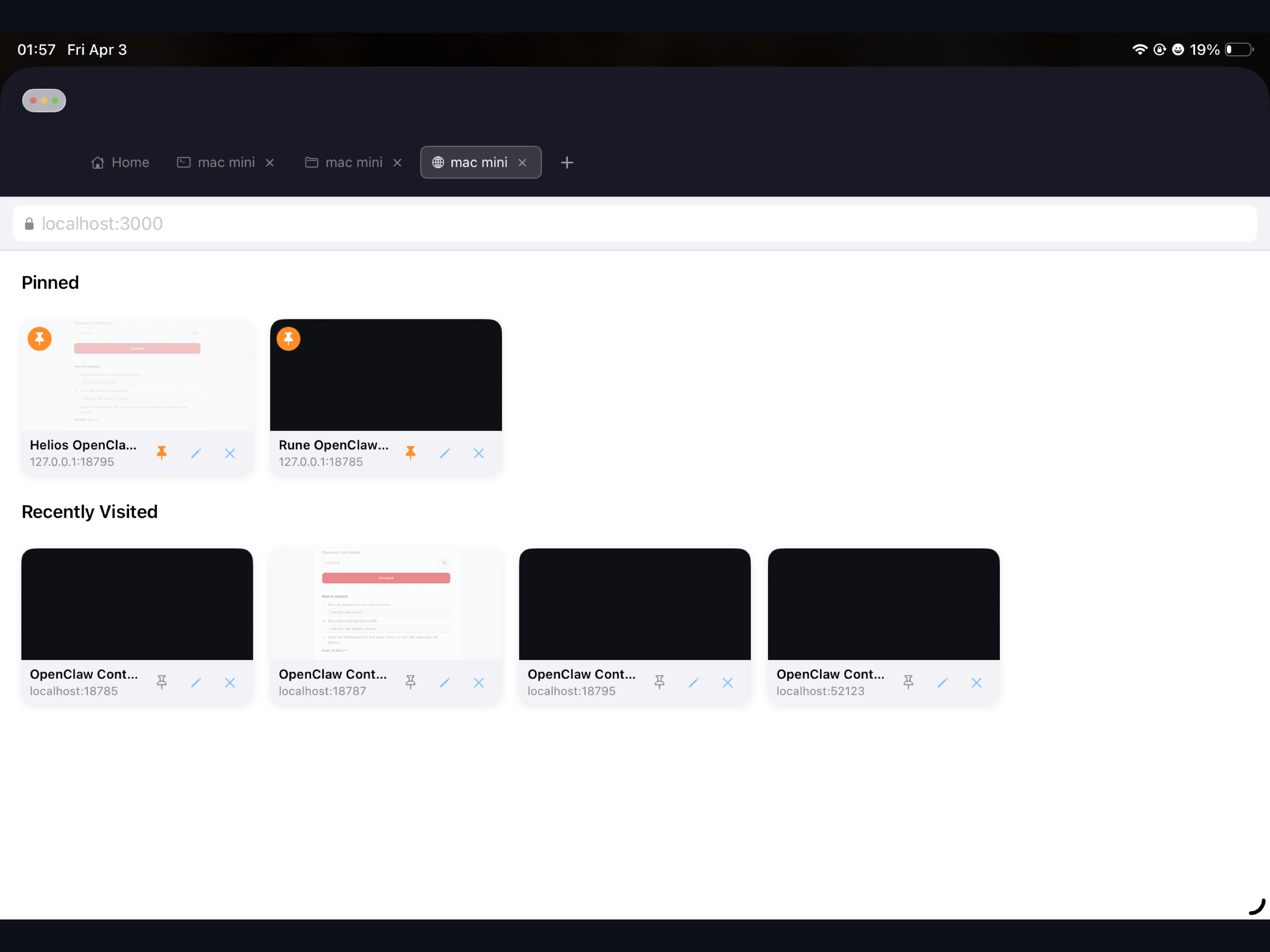
A browser for pages only your Mac or your network can see — localhost:3000, a Jupyter notebook, your router admin page, an internal company dashboard. Tunneled over SSH. No exposed ports, no VPN.
Why Remote Desktop is different
Remote Desktop is the flagship feature. These are the specific things we do that make it fast and pleasant to use, where most remote-desktop apps cut corners.
H.264 encoded on the Mac's GPU, decoded on the iPad's GPU — no CPU re-encoding in between. Your Mac's fans don't spin up.
A brief network hiccup drops the quality for a second and recovers. No black screens, no frozen frames, no manual reconnect.
Mac display off, or screen locked? The connection wakes it on-demand so your session starts right away. No extra apps, no VNC detour.
Apple Pencil pressure, two-finger trackpad scroll, hardware Cmd-Tab, and MFi controller buttons all reach your Mac the way they should.
On the iPad side
Tap "Open With…" on any file in the SFTP browser and hand it straight to your favorite iPad editor. Save in the editor — the file uploads back to the server the moment it's written. No intermediate folder, no dragging around, no forgetting to sync.
.ssh/config, .bashrc) are fully editable.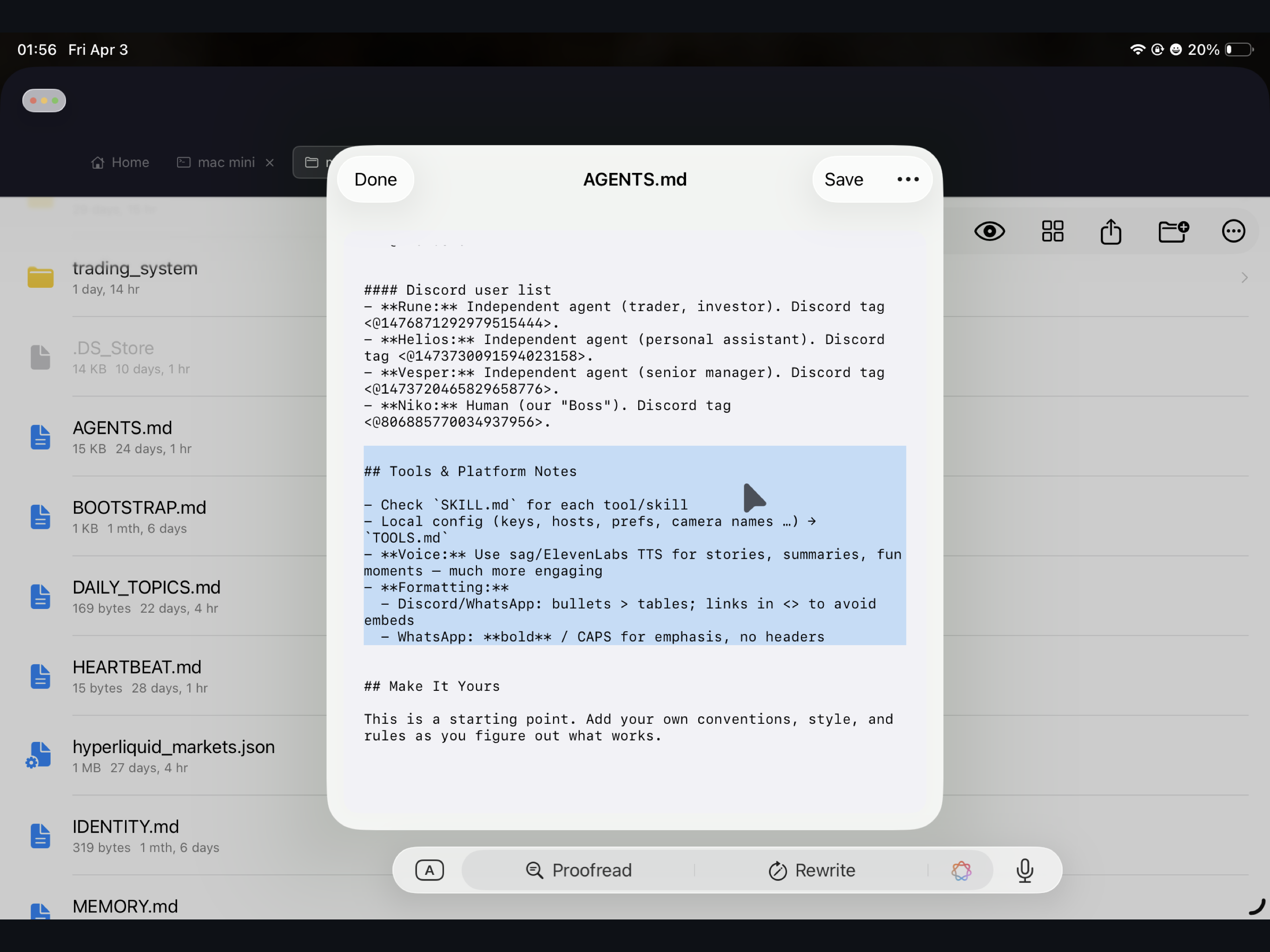
iPad app
Install TermiForge on your iPad — SSH, SFTP, and the Private Web browser work out of the box. Remote Desktop unlocks with a 14-day free trial, then a one-time in-app purchase.
macOS Agent
Required for Remote Desktop. A tiny menu-bar app that sits idle until your iPad connects — one drag-and-drop install, signed, local-network by default.
TermiForge connects your iPad directly to your servers. There is no middle tier — we don't operate one.
SSH keys, passwords, and your Mac login live in iOS Keychain with device-only accessibility. Never synced to iCloud, never uploaded.
SSH for Terminal, SFTP, and Private Web. DTLS with a fresh per-session key for Remote Desktop. Your frames, keystrokes, and files never pass through our infrastructure.